
Native Posting means publishing through a platform’s consumer interface. An API may orchestrate work without being the final publishing channel.
01STORY BRIEFThe idea in three screens.3 SCREENS
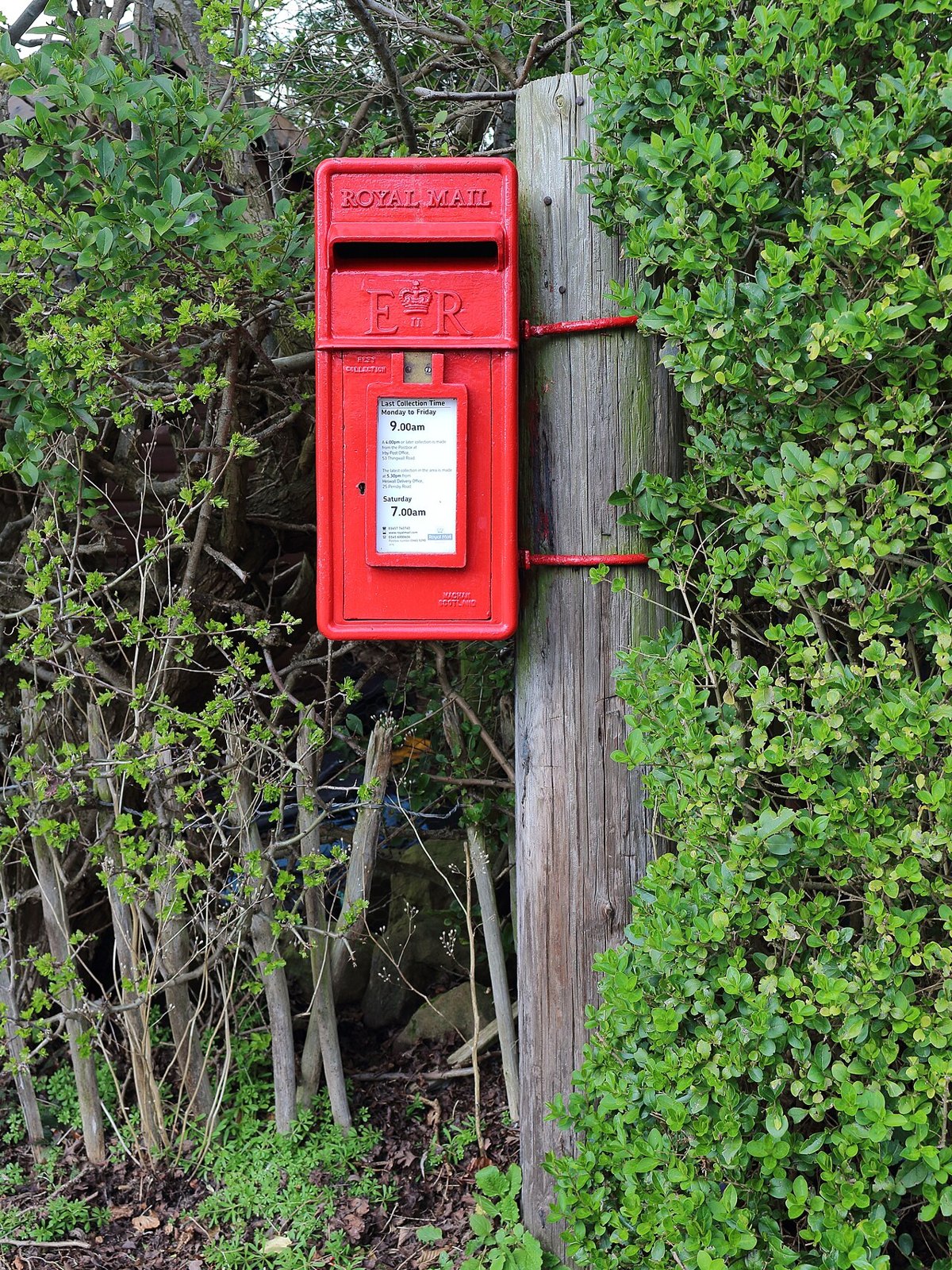
Native posting: the action matters, so does the brief.
Native Posting means publishing through a platform’s consumer interface.
A brief should distinguish ready-to-publish content from choices left to the operator: text, audio, cover, timing. Define delivery evidence and what requires correction. Native execution provides operational context; it does not remove the need to check current platform capabilities.
For delivery, request the post URL, actual time and any departures from the brief. An unavailable feature should be reported rather than silently substituted. This record lets analysis compare outcomes against what actually happened. A publishing plan and a verified publication are different objects. Keeping both prevents the team from attributing performance to a creative or native feature that never reached the audience.
The last mile deserves its own checklist.
The final publishing surface can change details a production team thought were settled. A caption may be truncated, a cover may crop differently, a sound may be unavailable, or the wrong account may be selected. Treat the final preview as a separate review step. The operator should be able to match the visible asset and account to the approved brief before confirming publication, rather than reconstructing intent from a folder name.
Check the final object
- 01Before
Match account, asset version and approved text.
- 02Preview
Inspect the actual crop, available features and visible context.
- 03After
Record the confirmed state and original post URL.
Editorial model: a way to reason about the process, not measured platform results.
Record the outcome as an operating state, with enough evidence to distinguish submitted, processing, published and failed where the tool exposes those states. A screenshot or post URL can help document the visible result, but it does not replace the provider’s current status model. For TokPortal workflows, consult the documentation for the particular tool and action instead of assuming every native capability is available through every interface. Native execution may be useful for a specific feature or process; the fact that an app was opened is not proof of a reach advantage.
From the idea to the actual workflow.
Product screens, documented tools and a practical way to connect them.
Prepare the actual video slot, not just the caption
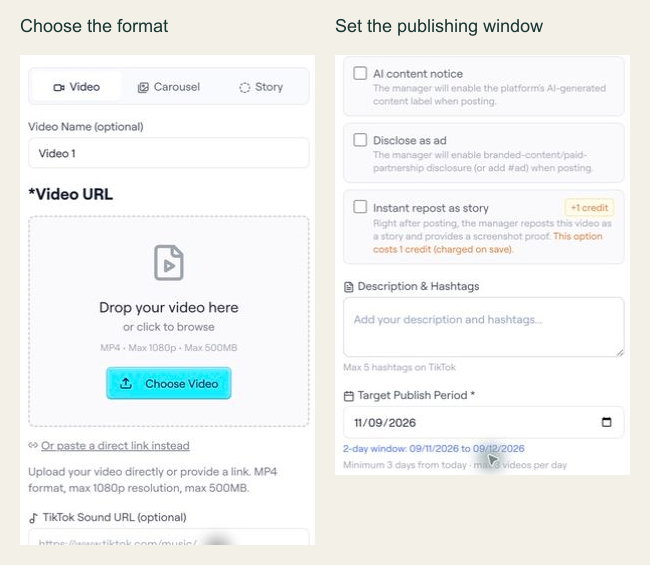
In the archived editor capture, the interface shows Video, Carousel and Story options, plus a target publishing period. The API example below is a separate documented slot-configuration preview; the screenshot alone does not establish the API contract.
PUT /api/ext/bundles/{id}/videos/{position}{
"tool": "tokportal_configure_bundle_video",
"arguments": {
"id": "<real-bundle-uuid>",
"position": 1,
"body": {
"video_type": "video",
"video_url": "<public_url returned by your video upload>",
"description": "A practical example of organising freelance subscriptions.",
"target_publish_date": "<valid future date: YYYY-MM-DD>",
"ai_content_disclaimer": false,
"auto_publish": false
},
"dry_run": true
}
}Replace the marked values with an authorized real bundle, a media URL you control and a valid future date. This is a dry-run template, not an executed campaign. The archived UI shows a two-day period for that captured example; use the current API validation response to determine the dates accepted for your own request.
- 01Choose the correct media fields
A video needs video_url and description. A TikTok carousel instead needs carousel_images and tiktok_sound_url.
- 02Use a valid window
Allow at least three days while account creation is pending, or one day for delivered/existing accounts. Check the current response and limits.
- 03Read the preview result
Check the simulation markers and date validation. If INVALID_DATE includes details.earliest_allowed, use that returned limit to revise the proposed date. Never copy preview IDs into live requests.
“Native posting: the action matters, so does the brief.”
02FIELD KITFrom concept to practice.2 SCREENS
Specify the native features required.
Adapt this to your audience, budget and test scope.
Put it to work.
- 01Specify the native features required.
- 02Verify the URL and version actually published.
Notes & sources.
The limit. A delivered post is not evidence of reach or conversion.
Further reading is linked throughout this article. Worked examples explain a process; they are not campaign results.
THE ORGANIC CLUB is an editorial project initiated by TokPortal. That relationship is separate from the evidence behind claims. Editorial signatures and image credits are explained in our policy. Our editorial policy →